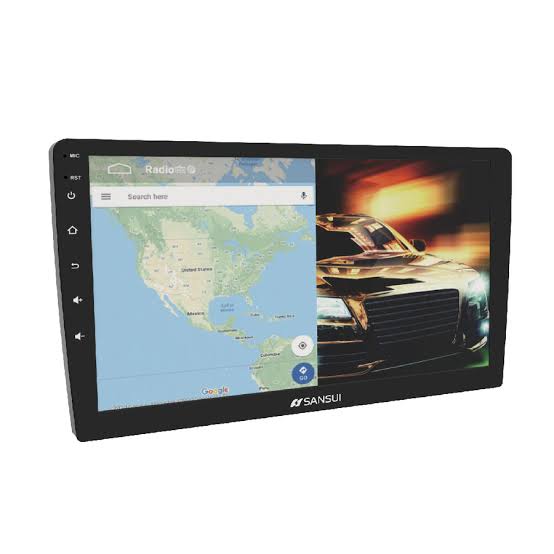
If you're looking for information about the Android stereo player screen, it typically refers to the interface and controls displayed on an Android-powered car stereo or head unit used for playing audio or multimedia content. Here’s a general overview of what you might find on an Android stereo player screen: Main Interface: The home screen of the stereo player often displays icons or tiles for different functions such as radio, music, Bluetooth, settings, etc. Music Player: When playing music, the screen shows details like track name, artist, album art, playback controls (play, pause, skip), and possibly equalizer settings. Radio: For radio functionality, you’ll see station frequency or name, program information, and tuning controls. Bluetooth: If connected to a phone via Bluetooth, the screen may display caller ID for incoming calls, call controls, and phonebook access.
Baner
+917270019019
 Chat with us
 Chat with us